What Is an M3U Playlist?
M3U files are simple text playlists used by IPTV players to load channel lists. Here is what they contain and how to use one.
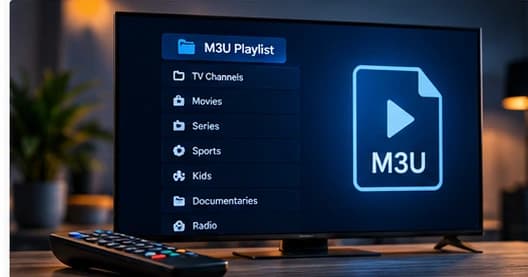
An M3U file is a plain-text playlist format that has been around far longer than IPTV. Originally used by media players to list audio tracks, the same format is widely used today to share IPTV channel lists between a provider and a player app.
What an M3U file looks like
An M3U file is just lines of text. Each entry is either a comment that starts with a hash mark or the actual stream location. A basic example looks like this:
#EXTM3U
#EXTINF:-1 group-title="News",Example News
https://example.invalid/live/stream.m3u8
Extended M3U and metadata
The version most IPTV players care about is Extended M3U, often called M3U8. It adds metadata lines using the EXTINF tag, which can carry the channel group name, a logo path, and other attributes. Players read those extra fields to organize your channels into folders and categories.
How to add an M3U link to a player
- Open your IPTV player settings.
- Choose the option to add a playlist or M3U URL.
- Paste the playlist link (or upload the file).
- Let the player load and refresh the channel list.
M3U versus the Xtream API
The main difference is structure. An M3U link is a static list of streams. The Xtream API provides a live connection that returns categories and EPG data. Both work, but they feel different to use — M3U is simpler, while the API is richer.